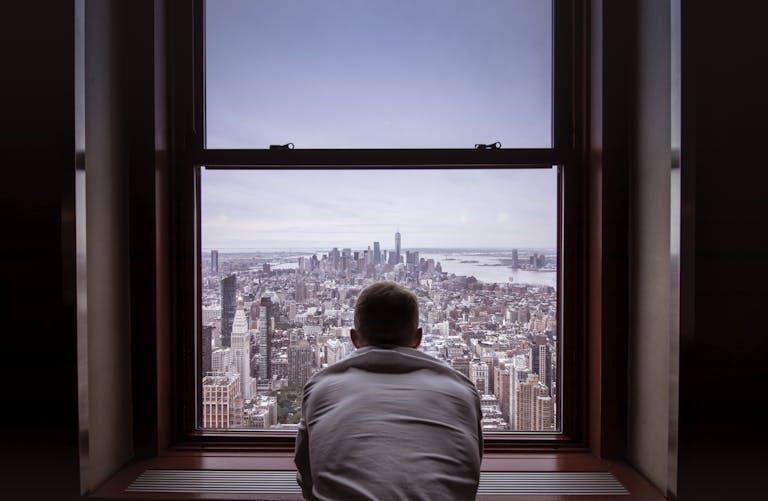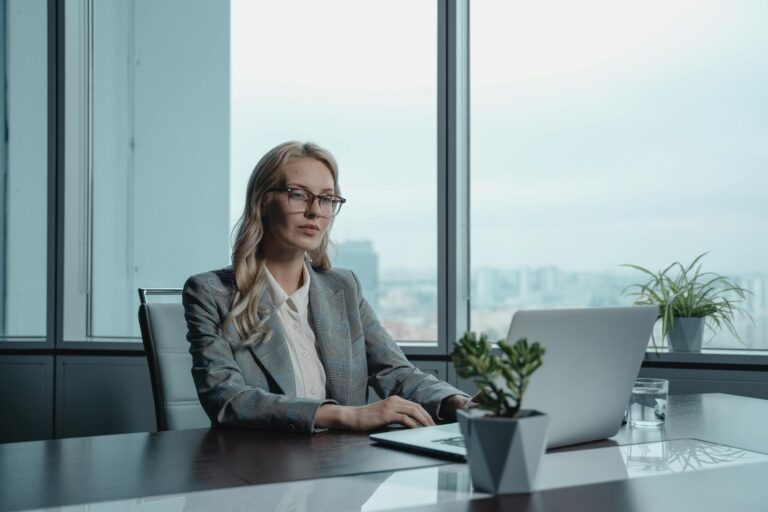

Video calls drain me in ways that face to face meetings never did. After two decades leading creative teams in advertising, I thought I understood workplace fatigue. Then remote work arrived, and I discovered a whole new dimension of exhaustion that left me staring at my screen, wondering why a 30 minute Zoom meeting felt heavier than an entire day of client presentations.
If you share that particular brand of introvert exhaustion, your webcam choice matters more than you might realize. The right camera can reduce the friction of video calls, minimize the self consciousness that compounds our fatigue, and give us back some control over how we present ourselves in digital spaces. After testing numerous webcams and spending countless hours on calls I would rather have avoided, I have identified the features that make video conferencing slightly more bearable for those of us who process the world more quietly.
Why Introverts Experience Video Call Fatigue Differently
Stanford University researchers have identified four distinct causes of video call exhaustion, and several hit introverts particularly hard. The constant close up eye contact creates what researcher Jeremy Bailenson describes as a state of stressed hyper arousal. For those of us who already find sustained eye contact demanding, having multiple faces staring at us simultaneously amplifies the discomfort exponentially.
What’s your personality type?
Take our free 40-question assessment and get a detailed personality profile with dimension breakdowns, context analysis, and personalised insights.
Discover Your Type8-12 minutes · 40 questions · Free
I remember running agency all hands meetings where I could scan the room, let my gaze rest on neutral spaces, take notes, or simply look thoughtful while processing information. Video calls eliminate those natural visual breaks. Everyone watches everyone, constantly, and the cognitive load becomes overwhelming for minds that already work hard to filter and process social information.
Research published in the journal Computers in Human Behavior found that introverts experience significantly higher levels of video call fatigue compared to their extroverted colleagues, even when using platforms for similar durations. The study revealed that extroverts actually gain energy from video interactions in ways that buffer them against exhaustion, while introverts lack that protective benefit.
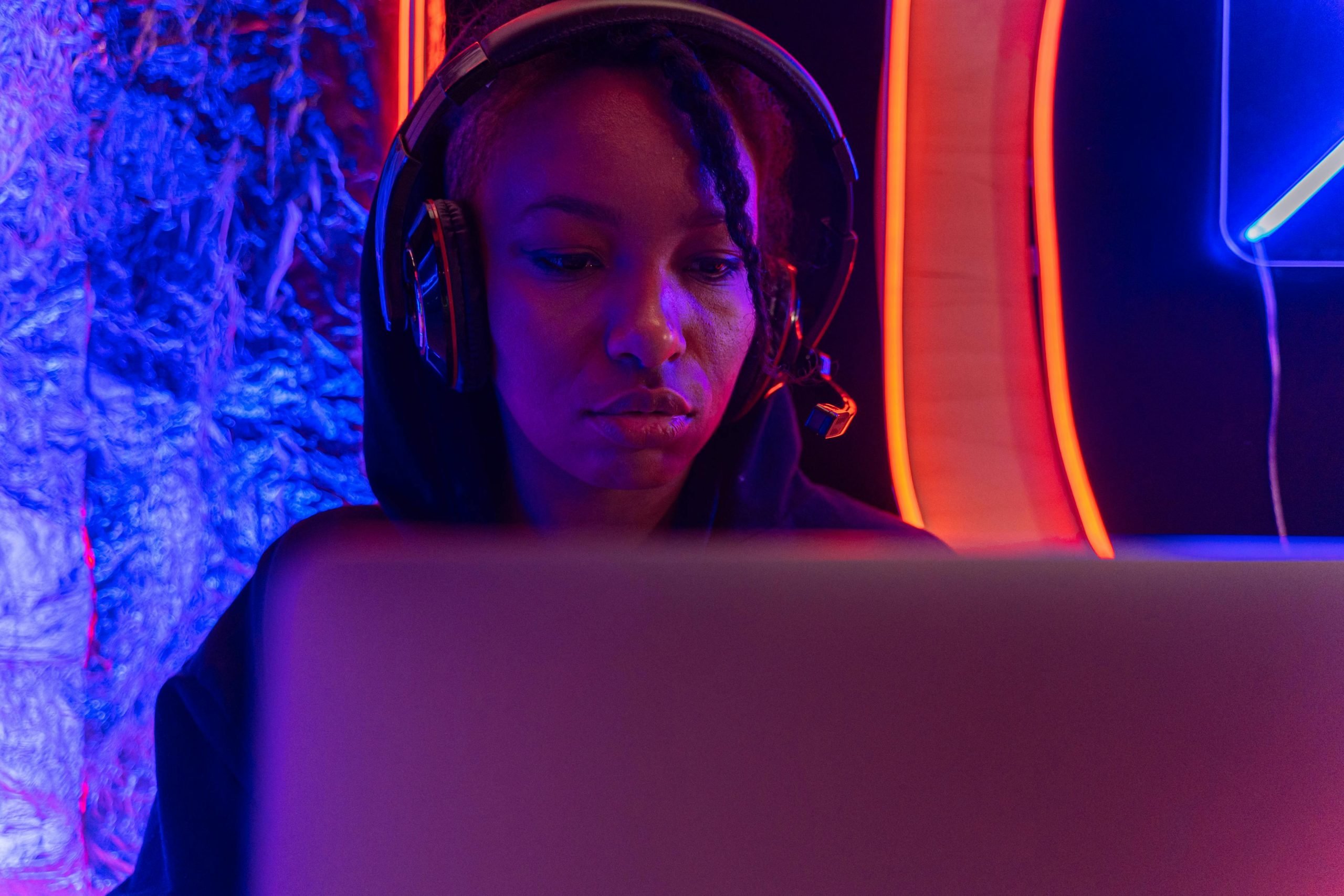
Then there is the mirror effect. Seeing your own face constantly triggers self evaluation that most of us find draining. During my agency years, I never had to watch myself while leading meetings. Now, remote work means I see every furrow in my brow, every moment of confusion crossing my face, every time I look less confident than I feel. A high quality webcam cannot eliminate this challenge entirely, but the right features can minimize how much attention you pay to your own image and how harshly the camera renders your appearance.
| Rank | Item | Key Reason |
|---|---|---|
| 1 | Eye Contact Stress | Stanford researchers identified sustained close-up eye contact as a primary cause of video call exhaustion for introverts, creating stressed hyper arousal. |
| 2 | Multiple Face Monitoring | Having multiple faces staring simultaneously amplifies discomfort exponentially compared to in-person meetings where visual breaks are natural. |
| 3 | Loss of Visual Breaks | Video calls eliminate natural opportunities to rest gaze on neutral spaces, take notes, or look thoughtful while processing information. |
| 4 | Cognitive Load Increase | Everyone constantly watches everyone else, creating overwhelming cognitive load for minds already working hard to filter and process social information. |
| 5 | Webcam Feature Selection | Choosing cameras that reduce on-screen presence and create authentic representation matters more than maximizing visual impact like streamers require. |
| 6 | Camera Configuration Setup | How you position and configure your webcam affects video call anxiety as much as the equipment choice itself. |
| 7 | Asynchronous Communication | Recorded video messages allow thoughtful communication without real-time performance pressure, leveraging introvert strengths and eliminating exhaustion. |
| 8 | Privacy Features Reliability | Dependable privacy features enable full recovery between calls and reduce anxiety about managing appearance during video interactions. |
| 9 | Professional Presence Balance | Quality webcams that handle technical challenges automatically let you focus on contributing rather than managing appearance while depleted. |
| 10 | Strategic Video Call Approach | Accommodating communication preferences through careful planning produces better work outcomes by preserving energy for meaningful interactions. |
Essential Webcam Features for Introvert Comfort
Choosing a webcam as an introvert requires thinking differently about what matters. While streamers and content creators optimize for maximum visual impact, we need cameras that reduce our on screen presence to something manageable and authentic. Here are the features that genuinely help.
Low Light Performance That Flatters Without Fuss
Poor lighting makes everyone look worse on camera, but it affects introverts disproportionately because we tend to create quieter, softer home environments. My home office has ambient lighting that feels calming but photographs terribly with basic webcams. I spent years looking washed out and slightly ghostly on calls before understanding that camera sensors vary dramatically in their ability to handle suboptimal lighting.
Webcams with larger sensors, like those using Sony Starvis technology, capture more light and produce cleaner images in dim conditions. According to technical reviewers at Tom’s Hardware, features like Logitech’s RightLight 4 technology can automatically brighten shots when you are in a dim or dark environment without making you look artificially overexposed. For those of us who prefer working in softer light, this matters enormously.
When I upgraded to a camera with proper low light correction, something shifted in how I experienced video calls. I no longer felt compelled to set up elaborate lighting rigs or position myself near windows. The camera worked with my preferred environment rather than against it, which meant one less thing to manage before each call.
Privacy Shutters for Psychological Comfort
Physical privacy shutters seem like a simple feature, but they provide psychological benefits that extend beyond security. Security experts note that a physical privacy shutter is the only surefire way to shield yourself from unwanted access, but for introverts, the benefit runs deeper. Knowing with absolute certainty that nobody can see you creates a sense of control that helps us recover between calls.

I keep my webcam shutter closed between meetings as a deliberate boundary setting practice. The act of sliding it open signals to my brain that performance mode is beginning, and closing it afterward confirms that I can stop managing my expression. These micro rituals help me transition between states more smoothly, which matters when video calls fragment your day into dozens of small performances.
Some cameras use lens covers that you physically attach and remove, while others feature built in sliding mechanisms. The built in shutters tend to feel more satisfying and reliable over time, though either approach works. What matters is having a physical barrier you can trust, not just a software indicator that might or might not reflect reality.
Autofocus That Stays Stable
Nothing disrupts the flow of a video call quite like a webcam that constantly hunts for focus. Every time you lean back, gesture with your hands, or shift in your chair, an aggressive autofocus system recalibrates, creating visual distraction for everyone on the call. For introverts who already feel self conscious about their on screen presence, watching your image blur and sharpen repeatedly adds another layer of discomfort.
Quality webcams offer smooth, nearly invisible autofocus that adjusts without obvious hunting. Some also allow you to lock focus at a set distance, which can be helpful if you tend to stay relatively stationary during calls. I prefer cameras that handle autofocus so subtly that I forget it exists, allowing me to focus on the conversation rather than monitoring my own image quality.
During my agency leadership years, I noticed how any technical glitch pulled attention away from content and toward mechanics. The same principle applies to personal video presence. Equipment that operates invisibly lets you direct your limited social energy toward actual communication rather than technical management.
Top Webcam Recommendations for Introvert Needs
Based on testing and the specific challenges introverts face with video calls, these cameras offer the best combination of features for our particular needs.
You might also find phone-anxiety-deep-dive-why-introverts-hate-calls helpful here.
Logitech Brio 500
This camera hits a sweet spot between performance and price for introverts who want reliable quality without excessive complexity. The RightLight 4 technology genuinely helps in varied lighting conditions, and the 90 degree field of view can be adjusted down to show less of your room if you prefer a more contained frame. For those of us who work carefully with our lighting environments, having a camera that adapts rather than demands specific conditions makes video calls less preparatory work.
The built in privacy shutter operates smoothly and provides that definitive visual confirmation of privacy. I appreciate that the design looks understated rather than gaming oriented, which matters if you use the camera for professional calls. The Show Mode feature that lets you tilt down to show your desk can be useful for introverts who prefer demonstrating work rather than talking about it.
Elgato Facecam MK.2
If you want premium image quality without the bells and whistles designed for streaming showmanship, this camera delivers. The image processing creates natural looking video that does not over sharpen or artificially smooth your features. For introverts who feel uncomfortable looking at overly processed versions of themselves, this authentic rendering helps reduce the disconnect between how you feel and how you appear.
The HDR mode handles tricky lighting situations like bright windows behind you, which can be a lifesaver if your workspace options are limited. The privacy shutter twists rather than slides, which some find more satisfying. The camera lacks a built in microphone, which might seem like a limitation but actually works well for introverts who prefer using quality headphones that also provide noise cancellation for better focus.
Anker PowerConf C300
This camera offers exceptional value with features that specifically benefit introverts. The AI powered auto framing keeps you centered without requiring you to position yourself precisely, which reduces pre call anxiety about positioning. The adjustable field of view lets you crop in tighter if you prefer showing less of your environment.
Low light correction works well for those of us who maintain softer ambient lighting, and the noise canceling microphones help ensure your voice comes through clearly even when you speak at the quieter volumes introverts often prefer. The privacy shutter slides smoothly and feels solid enough to trust.
Logitech C920S
For introverts who need a reliable camera without spending significantly, this remains one of the best options available. The image quality holds up well for standard video calls, and the RightLight 2 technology handles reasonable lighting variation. The included privacy shutter clicks into place securely, and the overall build quality has proven durable over years of use.
This camera lacks some advanced features like HDR or 4K resolution, but for most video conferencing platforms that cap resolution at 1080p anyway, those limitations rarely matter in practice. If you want something dependable that lets you join calls without worrying about technical issues, this delivers.
Setting Up Your Webcam to Reduce Call Anxiety
Having the right camera matters, but how you configure and position it affects your experience just as much. These setup strategies specifically address the challenges introverts face with video presence.
Position for Eye Level Contact
Webcams positioned below eye level create unflattering angles that make you appear to be looking down at people. This both looks awkward and feels awkward, adding to the discomfort of video calls. Mounting your camera at eye level or slightly above creates more natural looking video and helps simulate the eye contact patterns of in person conversation.
I use a small monitor riser to bring my laptop camera to the right height, though external webcams can mount directly on monitors or use dedicated stands. The difference in how I feel during calls surprised me. Something about looking straight ahead rather than down shifted the interaction from feeling like a presentation to feeling more like a conversation.

Use Hide Self View Strategically
Psychology research confirms that remote work can create psychological safety for introverts when set up properly, and one powerful strategy involves hiding your self view during calls. Most video platforms offer this option, and using it removes the constant self monitoring that drains our energy.
I resisted this approach initially because I wanted to monitor how I appeared to others. But watching myself created a feedback loop of self criticism that made calls more exhausting. Now I check my framing before calls start, then hide my self view immediately. The reduction in cognitive load has been significant.
This approach works better with webcams that offer reliable autofocus and exposure, since you will not be monitoring your own image for technical problems. Investing in quality camera hardware makes the hide self view strategy more practical because you can trust the camera to present you reasonably well without supervision.
Create a Neutral Background
Busy backgrounds give other participants more to look at and comment on, which can create conversational tangents that extend calls unnecessarily. For introverts trying to manage call duration and energy expenditure, a relatively neutral background reduces these distractions.
This does not mean creating a sterile environment. A few carefully chosen items can express personality without inviting extensive discussion. I keep a small bookshelf in frame with curated titles that feel authentic to who I am without demanding explanation. The goal is a background that feels lived in but does not generate questions that lengthen conversations.
Virtual backgrounds can work but often look artificial, especially with cameras that struggle with edge detection. If your webcam handles background blur well, that option can soften your environment without completely hiding it. Testing these features before important calls helps you understand what looks natural with your specific setup.
Managing Video Call Fatigue Beyond Equipment
The right webcam helps, but it cannot solve the fundamental challenge of video call exhaustion. These complementary strategies address the broader experience of digital communication fatigue.
Batch Your Video Calls
Research on video call fatigue suggests that clustering meetings together with short breaks between them reduces overall exhaustion compared to spreading calls throughout the day. For introverts, this clustering approach allows for longer recovery periods between communication intensive blocks.
I schedule all video calls on specific days and times when possible, protecting other blocks for deep work that requires no camera presence. This approach mirrors how I managed client meetings during my agency years, grouping face time together and protecting creative thinking time. Using focus apps to protect these boundaries helps reinforce the pattern.
Negotiate Audio Only Options
Not every call requires video. Workplace researchers have found that introverts often actually perform better in certain remote settings when they can participate without the pressure of constant visibility. Audio only calls or even asynchronous communication can accomplish many meeting objectives while dramatically reducing the fatigue introverts experience.
I have started explicitly asking whether video is necessary for calls that seem primarily informational. Most people accept audio only participation when you frame it professionally, and the relief of not performing visibility for an hour makes the conversation itself more productive. The key is proposing this early rather than awkwardly turning off your camera mid call.

Build Recovery Time Into Your Schedule
Video calls deplete introvert energy faster than equivalent in person meetings, partly because we cannot control our exposure in the same ways. Building explicit recovery time after video intensive periods helps prevent the cumulative exhaustion that makes each subsequent call harder than the last.
I block 15 minutes after any video call longer than 30 minutes, protecting that time for silent activities like reviewing notes or taking a brief walk. This practice acknowledges that video presence costs something and requires replenishment. When I skip recovery time to maximize productivity, I end up depleted in ways that undermine the rest of my day.
Quality noise canceling headphones can support recovery by creating quiet space even in busy environments. The same equipment that helps during calls can help you recover afterward by blocking out stimulation while you process and restore.
The Introvert Advantage in Asynchronous Communication
While video calls present challenges for introverts, remote work also offers communication modes that play to our strengths. Asynchronous tools like recorded video messages allow us to communicate thoughtfully without the pressure of real time performance.
A quality webcam becomes even more valuable for recording short video messages that replace some meetings entirely. You can record, review, and re record until the message feels right, then send it for others to watch at their convenience. This approach leverages our tendency toward careful preparation while eliminating the real time social pressure that drains us.
I have increasingly replaced quick sync calls with two minute recorded videos that colleagues can watch and respond to asynchronously. The communication quality often improves because I can organize my thoughts before recording, and the total time investment for everyone decreases because there is no small talk or scheduling coordination required.
During my advertising career, I learned that different communication modes serve different purposes. Video calls work best for collaborative discussion, relationship building, and complex negotiations. Status updates, routine information sharing, and simple questions often work better through other channels. Having excellent webcam equipment makes all of these modes more accessible when video does add genuine value.
Looking Professional Without Exhausting Yourself
Introverts often worry that accommodating their communication preferences will appear unprofessional. In reality, the strategies that protect our energy often produce better work outcomes because they allow us to bring our full capabilities to interactions rather than performing visibility while depleted.
A quality webcam contributes to professional presence in ways that make accommodation easier. When you look good on camera despite minimal preparation, you can save your energy for the conversation itself. When your camera handles technical challenges automatically, you can focus on contributing rather than managing your appearance. When privacy features work reliably, you can recover fully between calls.
The goal is not to avoid video calls entirely but to approach them strategically so they remain sustainable. Investing in the right equipment and developing supportive habits allows introverts to participate fully in video dependent workplaces without sacrificing our wellbeing or our best thinking.
For more recommendations on equipment and strategies that support introvert work styles, explore our complete webcam testing and reviews that approach video presence from an introvert perspective.
Frequently Asked Questions
Do introverts experience more fatigue from video calls than extroverts?
Research consistently shows that introverts report higher levels of video call fatigue compared to extroverts, even when using platforms for similar durations. The constant visual attention, inability to control when you are observed, and demands of nonverbal performance all impact introverts more significantly because we process social information differently and require more recovery time after interpersonal interactions.
Is a 4K webcam necessary for video calls?
Most video conferencing platforms cap resolution at 1080p or lower, making 4K resolution largely unnecessary for standard calls. The main benefit of 4K cameras comes from larger sensors that often accompany higher resolution, which can improve low light performance. For introverts focused on practical performance rather than maximum image quality, a quality 1080p camera typically provides better value.
How important is low light performance in a webcam?
For introverts who prefer softer ambient lighting in their workspaces, low light performance is crucial. Cameras with larger sensors and technology like automatic light correction can present you clearly without requiring bright overhead lights or elaborate lighting setups. This allows you to maintain the calming environment you prefer while still looking professional on calls.
Should I use virtual backgrounds on video calls?
Virtual backgrounds can reduce visual distractions but often look artificial, especially when edge detection struggles with movement or complex clothing. For introverts, the slight unnaturalness can create additional self consciousness. Background blur typically looks more natural while still reducing visibility of your environment. Testing these features with your specific camera before important calls helps you understand what works best.
Does hiding self view really reduce video call fatigue?
Stanford researchers have identified constant self monitoring as one of the primary causes of video call exhaustion, and hiding your self view eliminates this drain. For introverts who already tend toward self reflection, seeing yourself continuously amplifies the cognitive load of calls. Most people who try hiding self view report significant reductions in post call fatigue once they adjust to the practice.
Explore more Introvert Tools and Products resources in our complete Introvert Tools and Products Hub.
About the Author
Keith Lacy is an introvert who’s learned to embrace his true self later in life. With a background in marketing and a successful career in media and advertising, Keith has worked with some of the world’s biggest brands. As a senior leader in the industry, he has built a wealth of knowledge in marketing strategy. Now, he’s on a mission to educate both introverts and extroverts about the power of introversion and how understanding this personality trait can unlock new levels of productivity, self-awareness, and success.