Starting a podcast felt terrifying when I first considered it. After twenty years leading marketing teams and pitching to Fortune 500 boardrooms, you might think public speaking would come naturally. But there is something uniquely vulnerable about recording your voice, alone in a room, knowing strangers will listen to your thoughts on their morning commute. For introverts like us, podcasting presents a fascinating paradox: it demands we share ourselves publicly while allowing us to create from the comfort of solitude.
The good news? Podcasting is actually one of the most introvert-friendly forms of content creation. You control the environment entirely. No crowds, no spontaneous small talk, no energy-draining networking events. Just you, your microphone, and your ideas. The challenge lies in selecting equipment that supports your creative process rather than overwhelming it with complexity.
I spent months researching podcast gear before recording my first episode, partly because careful research is how I process decisions, and partly because I wanted to avoid the rookie mistakes that plague new podcasters. What I discovered is that beginner introverts face unique considerations when choosing equipment. We need setups that minimize technical anxiety, reduce the cognitive load of production, and create a comfortable recording environment where we can focus on sharing our message rather than wrestling with gear.
Why Equipment Choices Matter More for Introverts
When I managed creative teams at my agency, I noticed something consistent about my introverted colleagues. They thrived when their tools worked seamlessly and struggled disproportionately when technology created friction. An extroverted creative might shrug off a technical glitch and brainstorm solutions out loud with colleagues. Introverts tend to internalize the frustration, letting equipment problems drain the mental energy needed for creative work.
Research on choosing podcast microphones confirms that sound quality dramatically affects listener retention. Poor audio creates an unconscious barrier between you and your audience. For introverts who already find self-promotion challenging, adding audio quality problems to the mix can feel like insurmountable obstacles. The right equipment removes these barriers, letting your natural strengths shine through.
Introverts often possess deep thinking patterns and careful observation skills that translate beautifully to podcasting. Psychologist Hans Eysenck noted that introversion fosters creativity by allowing concentrated focus on tasks without the energy dissipation that comes from constant social interaction. Your podcast equipment should enhance this natural advantage, not undermine it with steep learning curves or unreliable performance.
The Essential Microphone Decision
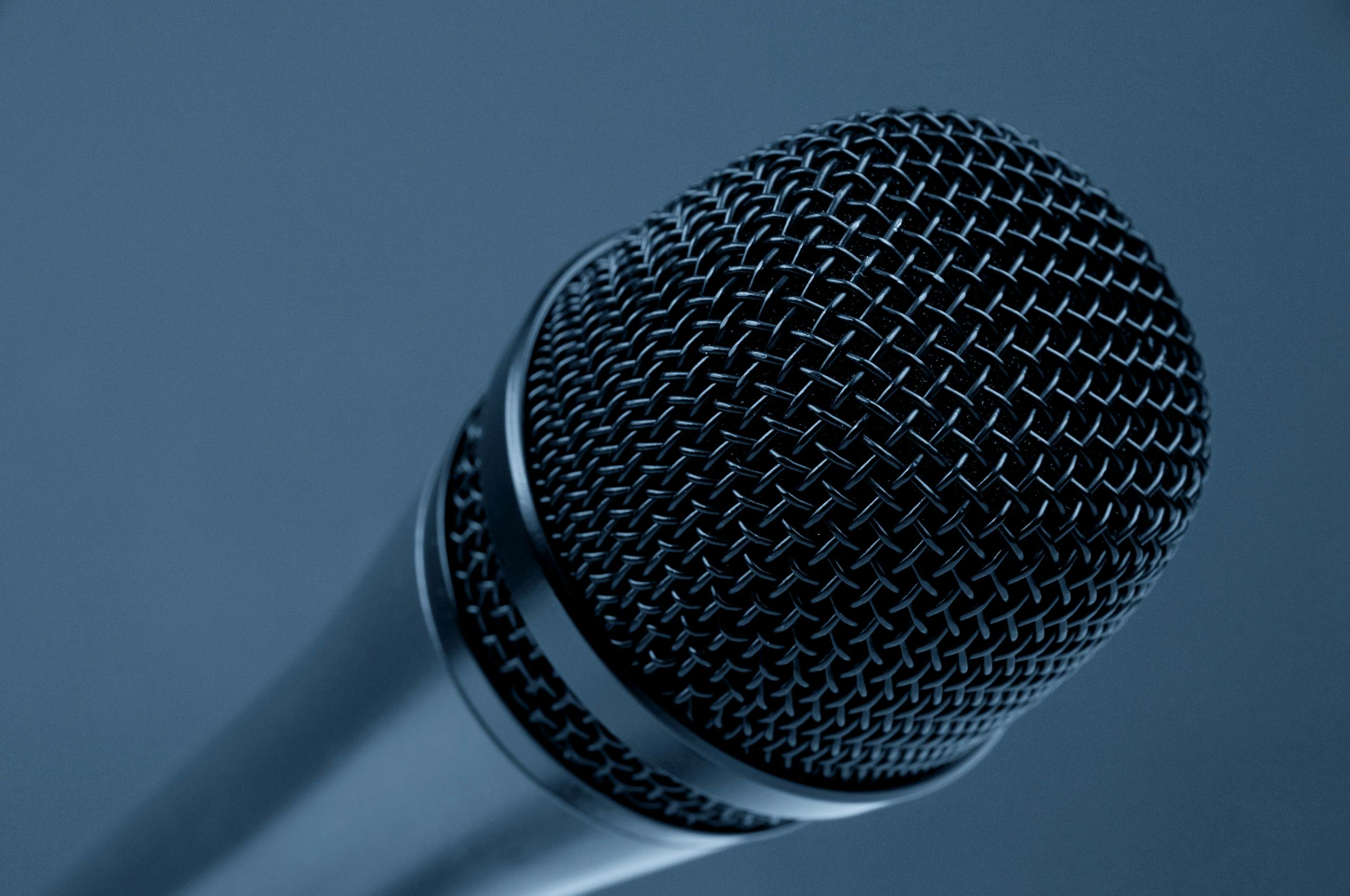
Your microphone is the single most important piece of podcast equipment. Everything else supports it. When I started researching microphones, the terminology alone felt overwhelming: dynamic versus condenser, cardioid polar patterns, XLR versus USB connections. Here is what actually matters for beginner introverts.
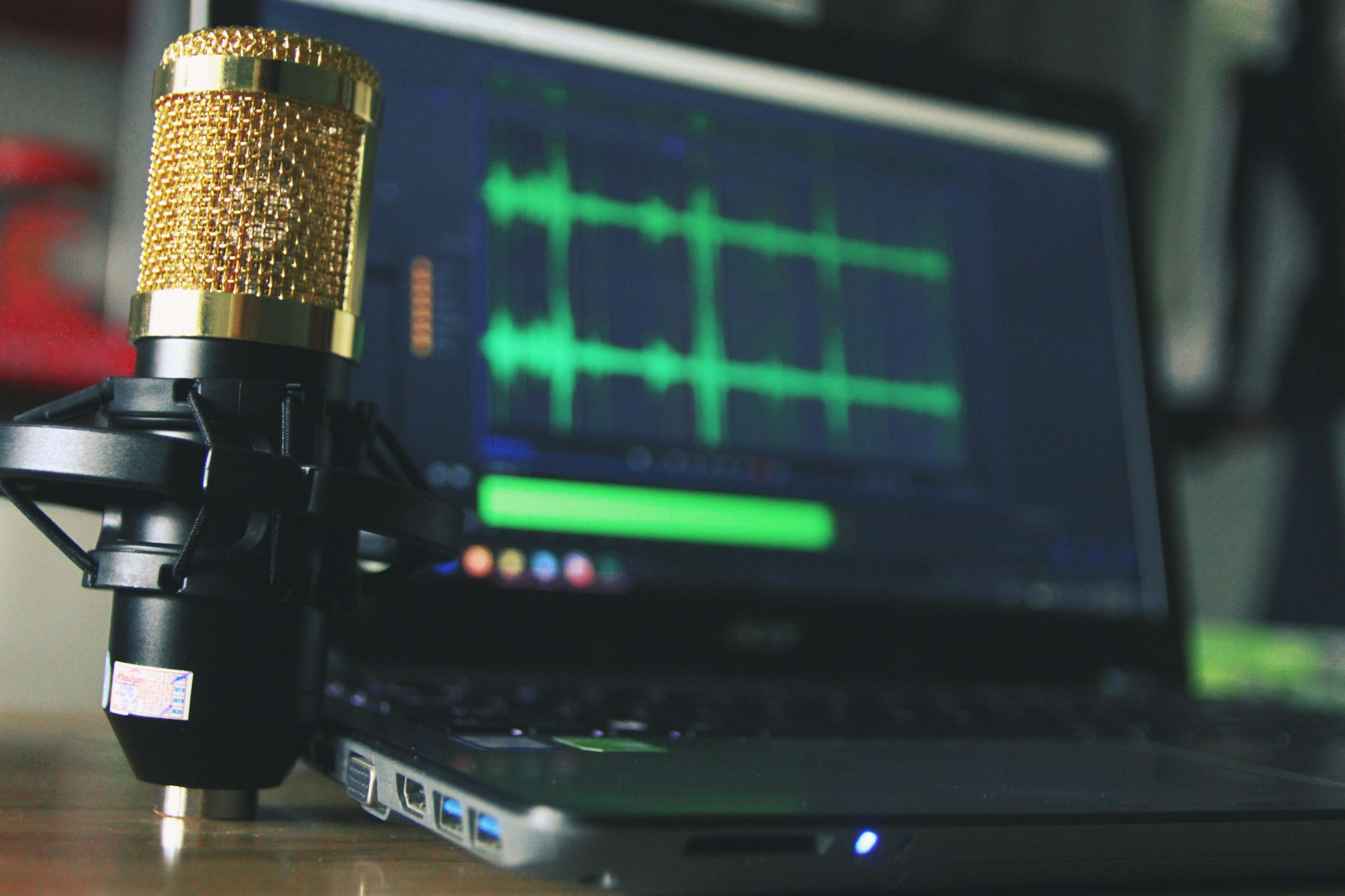
USB microphones offer the simplest path to quality audio. You plug them directly into your computer without additional hardware. For introverts working alone in home studios, this simplicity eliminates potential points of failure and reduces setup anxiety. According to The Podcast Host’s comprehensive microphone guide, USB microphones have improved dramatically and can match XLR quality for solo recordings.
The Samson Q2U consistently emerges as the top recommendation for beginners. It offers both USB and XLR connections, meaning you can start simply and upgrade your setup later without replacing your microphone. This forward-thinking approach appeals to the strategic planning tendencies many introverts share. At around $70, it provides remarkable value and sounds professional enough that listeners will never suspect you are just starting out.
If budget allows, the Shure MV7 Plus represents the premium USB option. It offers exceptional sound quality with intuitive touch controls and works with both USB and XLR connections. During my agency days, we used Shure equipment for client recordings, and the brand’s reliability became something I deeply appreciated when deadlines loomed. The MV7 Plus includes built-in audio processing that helps your voice sound polished without extensive post-production work.
Dynamic microphones work better than condenser microphones for home recording environments. Dynamic mics are less sensitive to room acoustics, meaning they pick up less of the echo and ambient noise that plague untreated spaces. For introverts recording in spare bedrooms or home offices, this forgiveness makes a significant difference. You can learn more about optimizing your recording space in our guide to acoustic panels that actually work.
Understanding Audio Interfaces
If you choose an XLR microphone or eventually want to upgrade beyond USB, you will need an audio interface. This device converts your microphone’s analog signal into digital audio your computer can record. The concept intimidated me until I realized it is essentially a translator between your microphone and your recording software.
The Focusrite Scarlett 2i2 dominates this category for good reason. According to audio interface reviews from The Podcast Host, it offers exceptional preamps, reliable performance, and intuitive controls. The fourth generation includes features like Auto Gain that automatically sets optimal recording levels, reducing one more technical decision from your workflow.
For podcasters who prefer purpose-built solutions, the Focusrite Vocaster line was designed specifically for podcast production. It includes phone connectivity for remote interviews and Bluetooth pairing for playing clips. While these features add convenience, I have found that simpler setups create fewer points of potential confusion for beginners. Start basic and add complexity only when you genuinely need it.
The audio interface question connects to broader equipment philosophy. In my corporate experience, I watched countless projects stall because teams over-complicated their toolsets. The most productive people I worked with chose reliable, well-documented tools and learned them deeply rather than constantly chasing the newest options. Apply this principle to your podcast setup.
Boom Arms and Positioning
Proper microphone positioning affects audio quality more than most beginners realize. According to Buzzsprout’s guide to microphone technique, staying four to six inches from your microphone at a consistent distance creates the warm, professional sound listeners expect from podcasts.
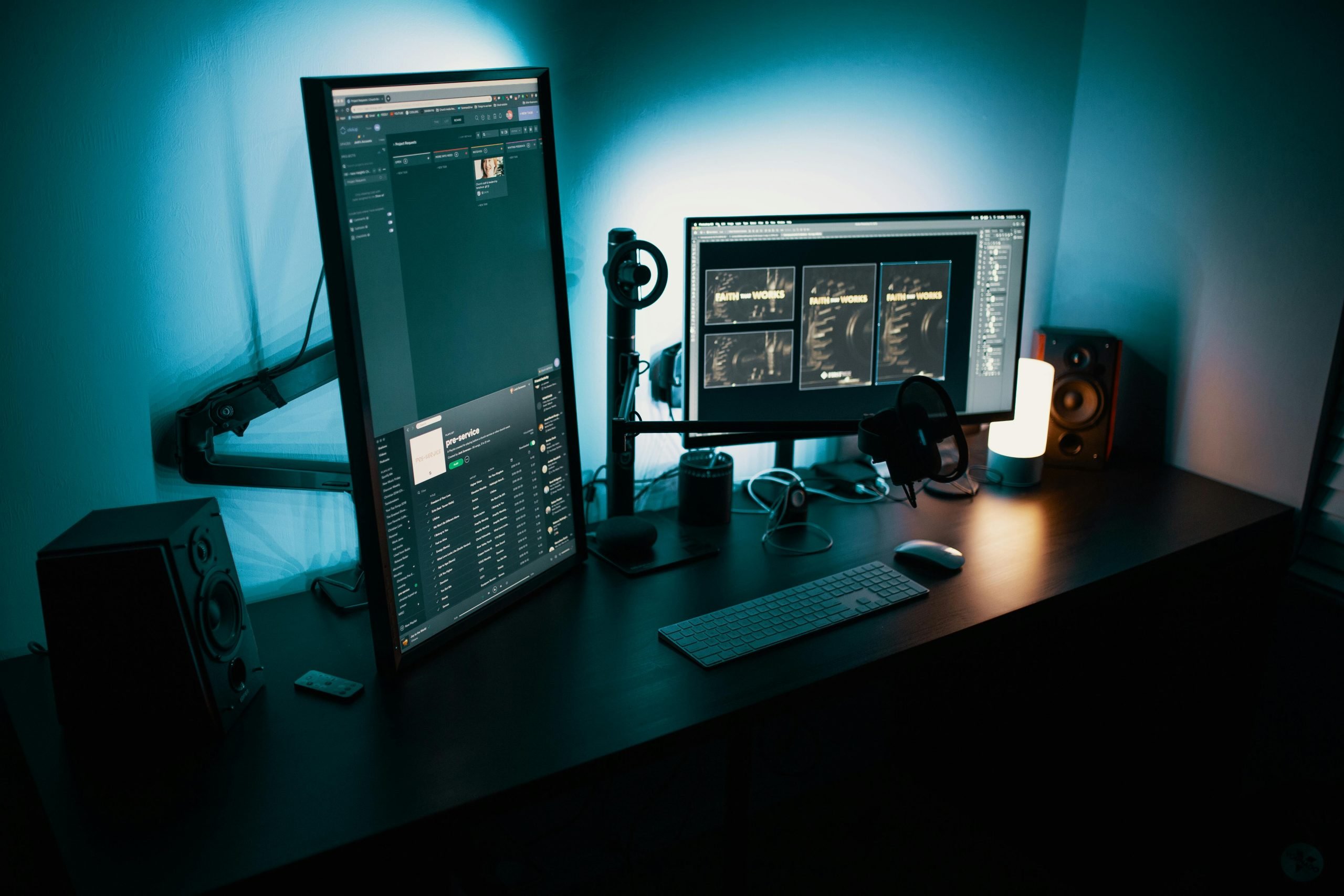
A boom arm allows precise positioning without cluttering your desk. More importantly for introverts, it lets you swing the microphone out of sight when you are not recording. This small detail matters more than you might expect. Having podcast equipment constantly visible can create subconscious pressure, making your workspace feel like a production studio rather than a comfortable creative space.
The Rode PSA1 boom arm has been the industry standard for years. It offers smooth, quiet operation and holds microphones securely. Budget alternatives like the Neewer boom arm cost under $20 and work adequately for lighter microphones. Just verify weight compatibility before purchasing, as some budget arms struggle with heavier dynamic mics.
When selecting your boom arm, consider cable management features. Internal cable routing keeps your setup clean and professional looking. This matters for video podcasters but also affects your mental state. A tidy workspace supports focused creative work, particularly for introverts who notice environmental details that others might overlook.
Headphones for Monitoring
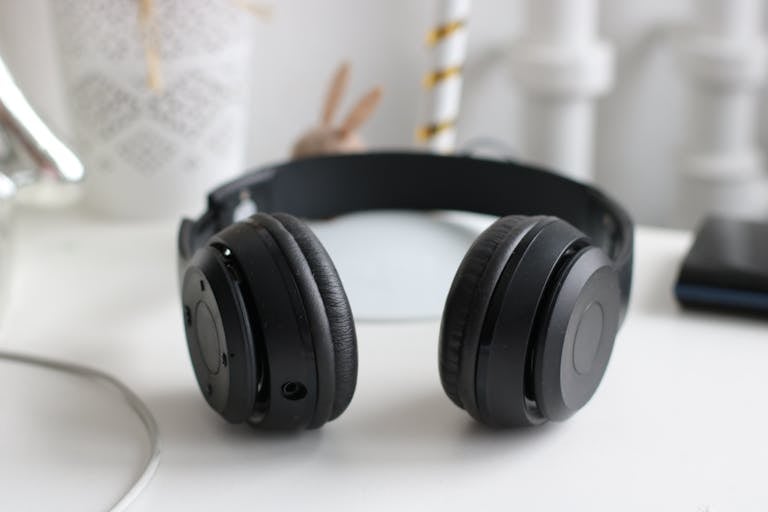
Monitoring headphones serve two purposes: they let you hear yourself while recording and help you catch audio problems during editing. Closed-back headphones prevent sound from leaking into your microphone, which matters if you record with your headphones at higher volumes.
The Audio-Technica ATH-M50x remains the gold standard for podcast monitoring at around $150. They reproduce sound accurately without the bass boost or treble enhancement that consumer headphones add. This accuracy helps you make better editing decisions. For a more affordable option, the Audio-Technica ATH-M20x delivers solid performance at half the price.
Some podcasters prefer to record without headphones and monitor only during editing. This approach works, though you risk missing audio problems that become expensive to fix in post-production. I learned this lesson recording a client presentation years ago. Background noise that seemed insignificant during recording became unbearable when played through speakers. Now I always monitor while recording. Our comprehensive review of noise-canceling headphones for introverts covers additional options for both recording and daily use.
Essential Accessories That Make Recording Easier
Pop filters prevent plosive sounds, the explosive bursts of air that occur when you pronounce words with P and B sounds. These blasts can overload your microphone and create unpleasant audio spikes. A simple mesh pop filter costs around $15 and dramatically improves your recordings. Position it two to three inches from your microphone.
Shock mounts isolate your microphone from vibrations. If your desk shakes when you type or your floor transmits footsteps, a shock mount prevents these vibrations from reaching your audio. Most quality microphones include shock mounts, but verify before purchasing. The rumble from vibrations creates low-frequency noise that proves difficult to remove during editing.
For video podcasting, proper lighting and camera setup matter as much as audio. Our guide to the best webcam for looking human on Zoom covers visual considerations, while our smart lighting test results help you create flattering illumination without harsh overhead fixtures.
Creating Your Recording Environment
Your recording environment affects audio quality as much as your equipment choices. According to Castos’ microphone setup guide, recording in rooms with soft surfaces dramatically reduces echo and room tone. Closets full of clothes, rooms with heavy curtains, or spaces with bookshelves all perform better than bare-walled rooms.
For introverts, the recording environment serves a psychological purpose beyond acoustics. You need a space where you feel comfortable being vulnerable, where you can experiment with your voice without self-consciousness. Some podcasters record in closets not just for sound quality but because the enclosed space creates a sense of privacy that frees their authentic voice.
Consider your recording space as a sanctuary. When I transitioned from agency leadership to independent content creation, I deliberately designed my recording corner to feel different from my work desk. Small touches like a plant, comfortable lighting, and minimal visual distractions help signal to my brain that creative exploration is welcome here.
Acoustic treatment does not require professional installation. Foam panels, thick curtains, and even blankets hung on walls can significantly improve your sound. The goal is reducing reflections, the sound of your voice bouncing off hard surfaces and returning to your microphone slightly delayed. This creates the hollow, amateur sound that listeners associate with low-quality podcasts.
Software Considerations
Recording software ranges from free to professional-grade expensive. For beginners, Audacity offers everything you need at no cost. It handles recording, basic editing, and exporting to podcast-ready formats. The interface looks dated but works reliably once you learn its quirks.
If you use a Mac, GarageBand comes pre-installed and provides a more intuitive interface than Audacity. It includes podcast-specific presets that apply appropriate compression and equalization to voice recordings. These presets help beginners achieve professional sound without understanding audio engineering concepts.
For serious production, Adobe Audition and Logic Pro offer advanced features that become valuable as your skills develop. However, I would caution against starting with complex software. The learning curve steals time from what actually matters: creating content that connects with your audience. Start simple and upgrade when limitations genuinely hold you back.
If you plan to type notes while recording or use your computer extensively during production, consider your keyboard choice. Mechanical keyboards offer satisfying feedback but can create distracting noise. Our review of mechanical keyboards for quiet typers helps you find options that balance tactile satisfaction with recording-friendly silence.
Budget Recommendations for Different Starting Points
For the absolute minimum investment, around $100 gets you started. The Samson Q2U ($70) plugged directly into your computer via USB, combined with a basic pop filter ($15) and free Audacity software, produces surprisingly professional results. Many successful podcasters started with similar setups.
A mid-range budget of $300 to $400 allows significant upgrades. The Shure MV7 Plus ($280) offers exceptional quality, and adding a proper boom arm ($100) dramatically improves your recording experience. This setup can grow with you for years without requiring replacement.
Professional setups start around $500 and scale from there. An XLR microphone like the Shure SM7B ($400), Focusrite Scarlett 2i2 interface ($180), quality boom arm ($100), and monitoring headphones ($150) create broadcast-level audio. This investment makes sense for podcasters committed to long-term production.
The Introvert Advantage in Podcasting
Here is what I have learned from both corporate leadership and personal content creation: introverts bring unique strengths to podcasting that equipment should support rather than suppress. We tend toward careful preparation, deep research, and thoughtful delivery. We often connect better in one-on-one conversations than group settings, making the intimate nature of podcasting feel natural.
The best podcast equipment for introverts removes friction between your ideas and your audience. It should feel invisible when working properly, letting you focus entirely on your message. Simple, reliable gear that requires minimal troubleshooting protects the mental energy you need for creative work.
Susan Cain’s research in Quiet: The Power of Introverts reminds us that many of humanity’s greatest creative achievements came from people who worked alone, processing ideas internally before sharing them with the world. Podcasting lets you harness this same dynamic. You prepare thoughtfully, record in your own space and time, then share polished content that reflects your best thinking.
Your podcast equipment is a tool for connection, not a barrier to overcome. Choose gear that matches your current skill level, budget for quality in the areas that matter most, and trust that your introverted perspective offers value worth sharing. The world needs more thoughtful voices, and the right equipment helps yours be heard clearly.
Frequently Asked Questions
What is the best starter microphone for introvert podcasters?
The Samson Q2U offers the best combination of quality, simplicity, and value for beginners. Its USB connection eliminates the need for additional hardware while its XLR option allows future upgrades. The dynamic design forgives imperfect room acoustics, making it ideal for home recording environments.
Do I need an audio interface to start podcasting?
Not initially. USB microphones connect directly to your computer without additional hardware. Audio interfaces become necessary only when you choose XLR microphones or want to connect multiple audio sources. Start with USB and upgrade when your needs genuinely require it.
How much should I spend on podcast equipment as a beginner?
A complete starter setup costs around $100 to $150 including a USB microphone, pop filter, and free recording software. Mid-range setups offering significant quality improvements run $300 to $400. Professional broadcast quality requires $500 or more. Start modest and upgrade based on actual needs rather than perceived requirements.
Can I podcast from my bedroom or home office?
Absolutely. Many successful podcasts are recorded in spare bedrooms, home offices, and even closets. Dynamic microphones work well in untreated spaces, and simple acoustic treatments like curtains, blankets, and foam panels can significantly improve your sound. The key is minimizing hard, reflective surfaces near your recording position.
Is podcasting a good fit for introverts?
Podcasting is exceptionally well-suited for introverts. You control your environment entirely, prepare content at your own pace, and connect with audiences through recorded rather than live interaction. The format leverages introvert strengths like deep preparation, thoughtful communication, and authentic one-on-one connection.
Explore more resources for introvert-friendly products in our complete Introvert Tools and Products Hub.
About the Author
Keith Lacy is an introvert who’s learned to embrace his true self later in life. With a background in marketing and a successful career in media and advertising, Keith has worked with some of the world’s biggest brands. As a senior leader in the industry, he has built a wealth of knowledge in marketing strategy. Now, he’s on a mission to educate both introverts and extroverts about the power of introversion and how understanding this personality trait can unlock new levels of productivity, self-awareness, and success.